Integrated foam layer
Helps absorb vibration and reduce friction noise between the skates and your glass surface.
 CREO
CR PRO GEAR / 20 DOTS
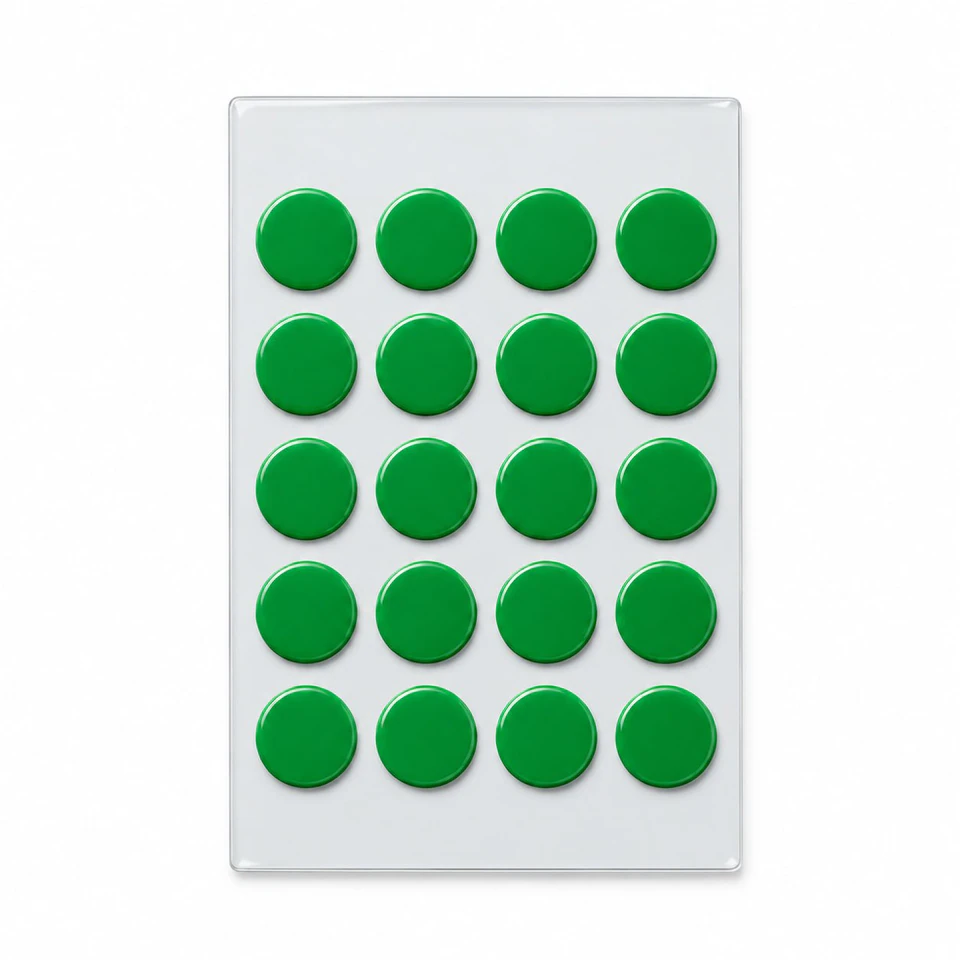
CR PRO GEAR skates are designed for glass mousepads. An integrated foam layer helps absorb vibration and reduce friction noise. The pack contains 20 dots for multiple installations, depending on how many your mouse needs.
Checkout and final options are in the official store. Shipping and any applicable discounts are calculated there.
Helps absorb vibration and reduce friction noise between the skates and your glass surface.
Designed for fluid mouse movement and a quieter, more comfortable gaming experience on glass mousepads.
Arrange the dots to suit your mouse base. The number of installations depends on how many dots you use each time.
Choose your glide
Two choices, with a clear difference.
20 dots in white or black. The standard option in the Pro Bundle.
Explore standard skates20 green dots with an integrated foam layer to help reduce friction noise and vibration.
+20 SAR in the bundleGreen CR PRO GEAR skates have an integrated foam layer that helps absorb vibration and reduce friction noise on glass. Each pack contains 20 dots; the number used depends on your mouse base.
Remove the old skates from the mouse base. Do not install new skates over them.
Remove adhesive residue and clean the mounting areas. Make sure they are dry before installation.
Remove the lower adhesive backing and place the dots on flat, balanced contact points. Keep the sensor, screws and switches clear.
Gently press each skate to make sure it is securely attached to the mouse base.
After installing the green skates, peel the clear plastic film off the top of every installed skate before use. Remove only the film, not the green skate or its foam layer.
Important: Step five applies specifically to green CR PRO GEAR skates. The top protective film is different from the lower adhesive backing removed before attachment. After removing every film, check stability, tracking and slow movement. If the mouse rocks or stops tracking, stop and review the layout and LOD setting.
Read the installation and layout guideCR PRO GEAR adds an integrated foam layer to help reduce friction noise and vibration. It costs 39 SAR versus 19 SAR for standard skates; both packs contain 20 dots.
They help reduce noise and vibration, but do not guarantee silence. Results vary with the mouse, surface, cleanliness and installation.
Replace the standard skates with CR PRO GEAR for an extra 20 SAR, with the bundle total depending on the sleeve option. This is a replacement, not an additional pack. Select the upgrade in the Salla store when ordering.
Dots can be arranged on different bases, but enough flat mounting space is needed without covering the sensor. See the compatibility and installation guide.
Yes. After mounting the green skates, peel the clear top protective film off every installed skate. It is different from the lower adhesive backing; do not remove the skate or its foam layer.
Remove the old skates and clean the mounting area first. Distribute the dots evenly, then test the mouse for stability and smooth movement before playing.
Replace the standard bundle skates with CR PRO GEAR for an extra 20 SAR. The final total depends on your bundle options.
We use optional cookies for analytics only. Privacy Policy